From the first entry to the auditor's report
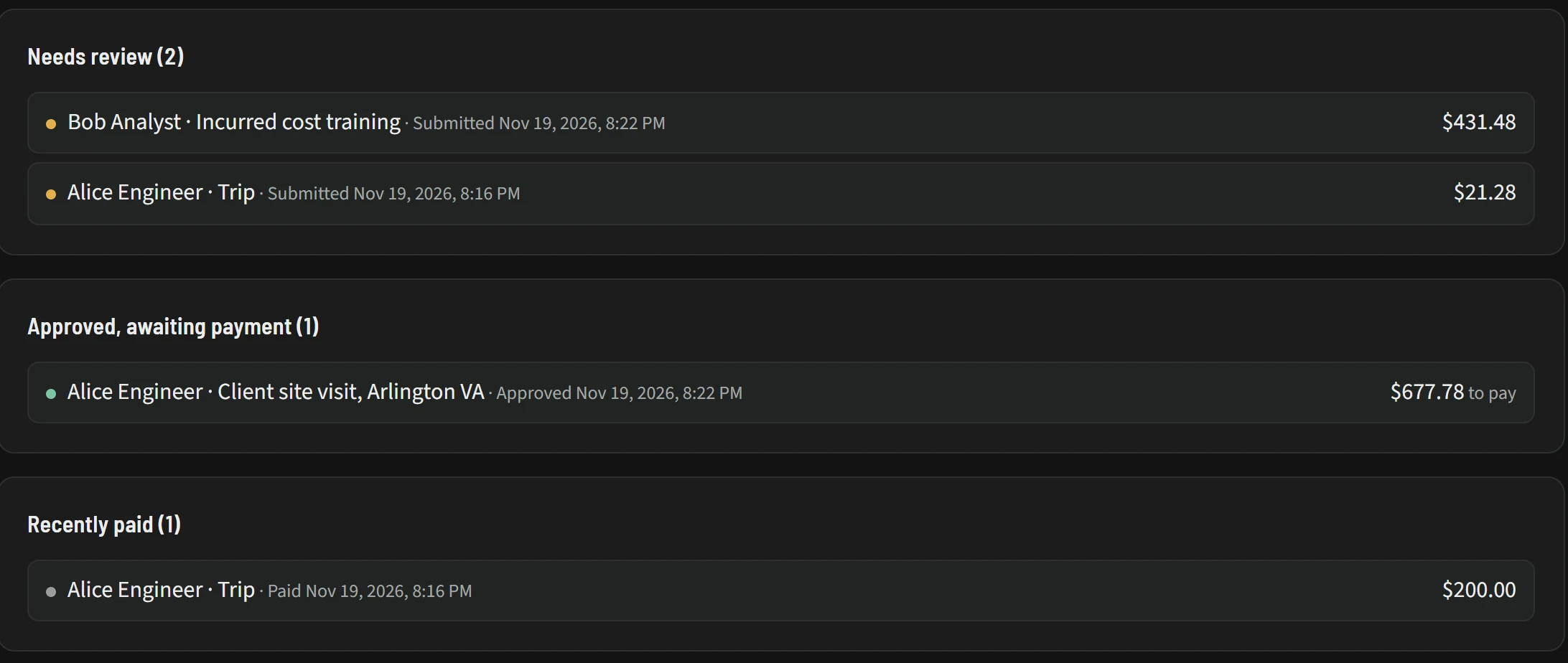
These are screens from Keep, shown with the demo company that comes with it: a handful of people, one contract with two tasks, and a few weeks of recorded time.
-
Open full size: The whole month on one page (opens in a new tab)Open full size: The whole month on one page (opens in a new tab)
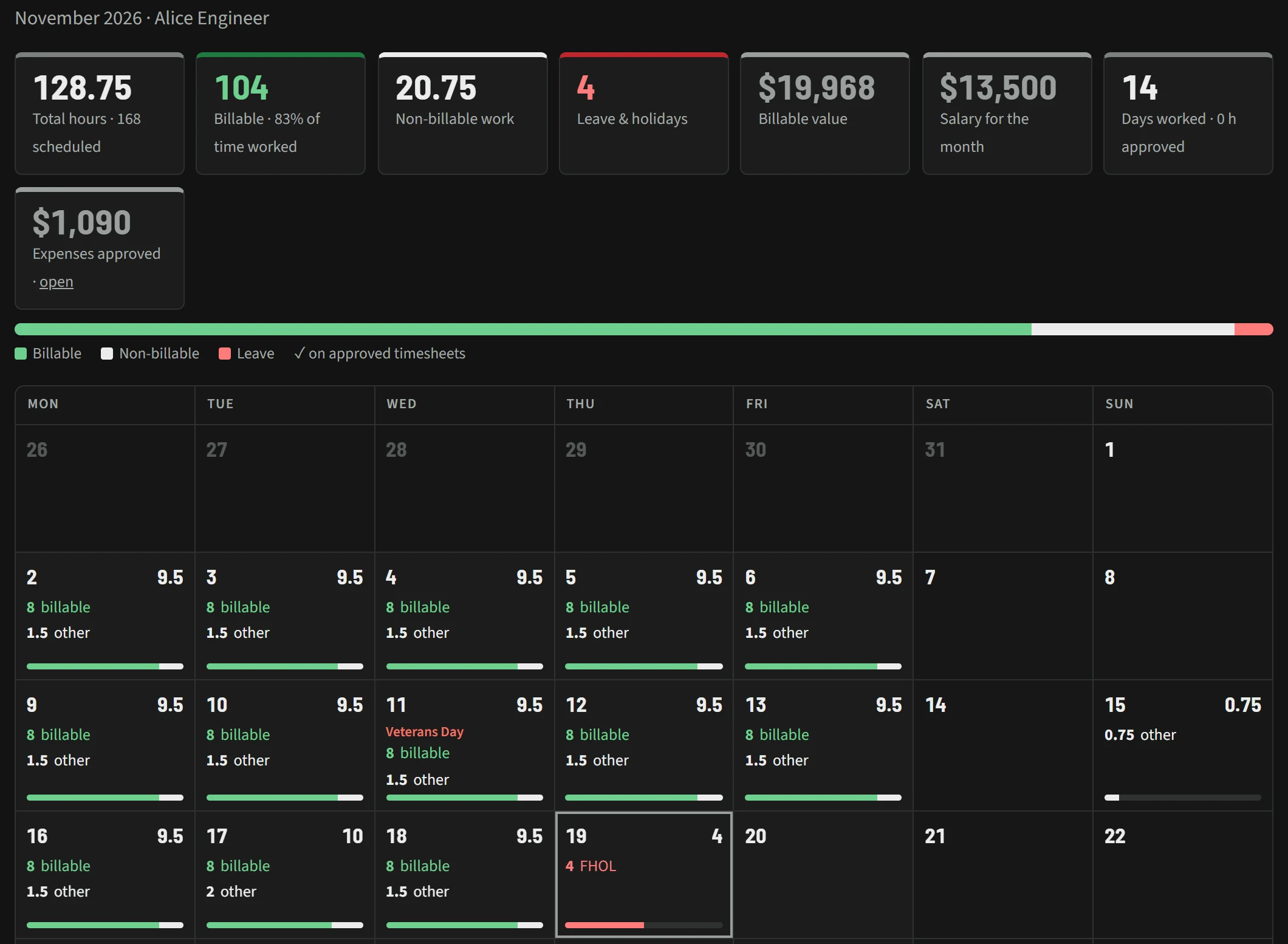
The whole month on one page
The monthly review lays out one person's month as a calendar. Each day shows billable hours, other work and leave in their own colours, and holidays are labeled where they fall.
- Summary cards for total hours against schedule, billable share, non-billable work, leave and holidays, billable value, salary, days worked and approved expenses
- One bar showing how the month splits between billable, non-billable and leave
- Veterans Day marked on the calendar, and a half day of floating holiday on the 19th
-
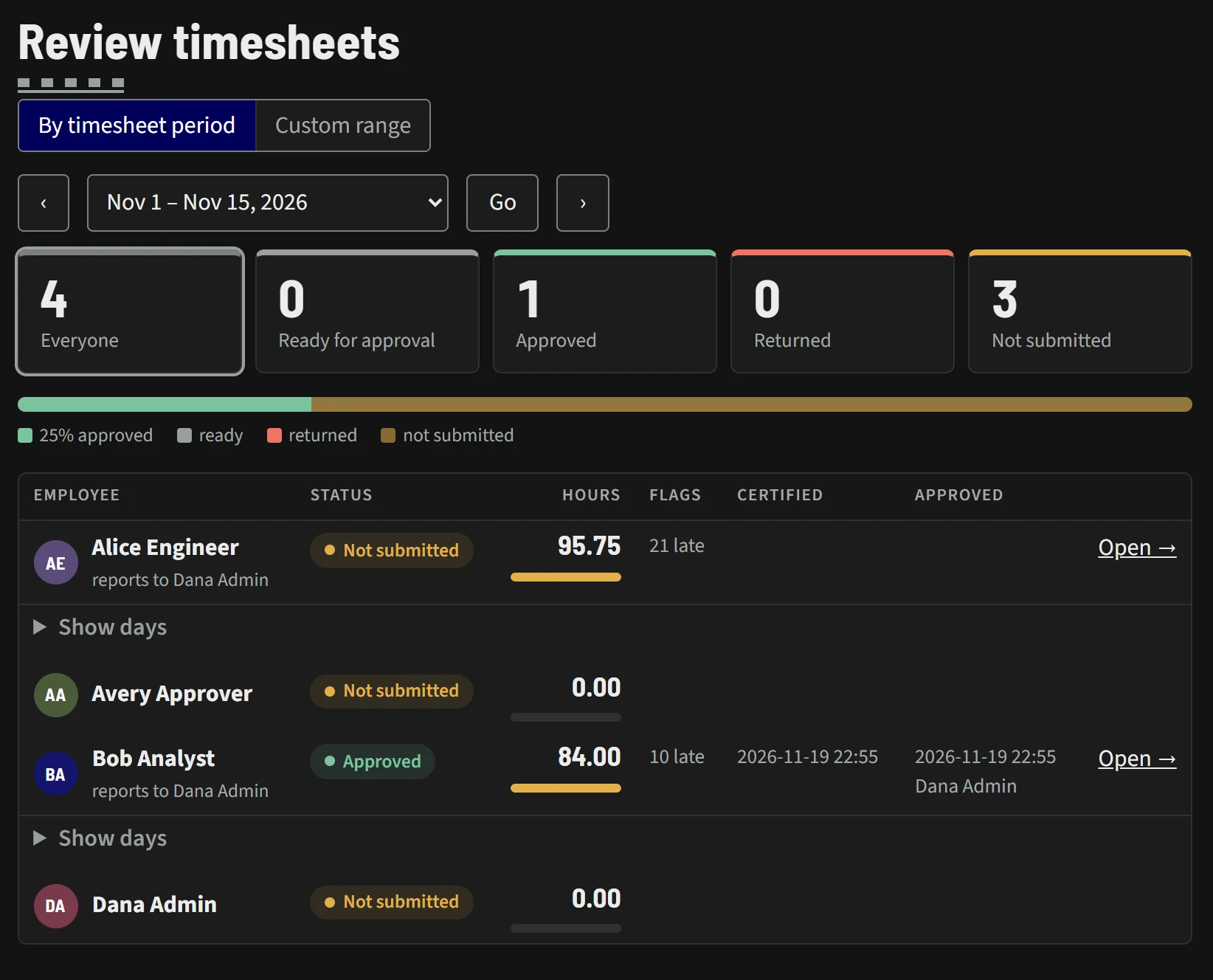
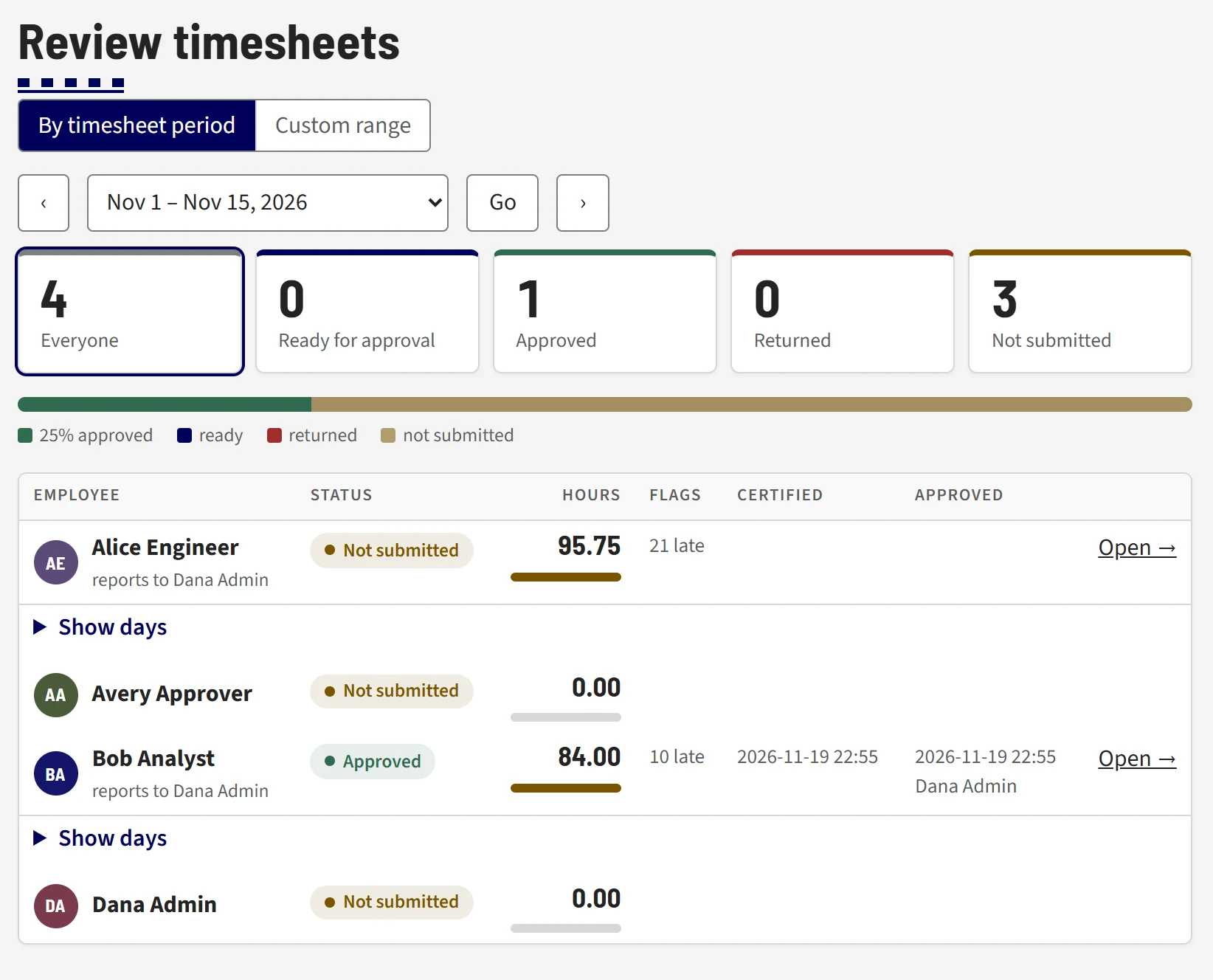
Open full size: A whole period, reviewed in one place (opens in a new tab)Open full size: A whole period, reviewed in one place (opens in a new tab)
A whole period, reviewed in one place
Reviewers see every timesheet in a pay period, counted by status, with each person's hours and flags in one list.
- Counts for everyone, ready for approval, approved, returned and not submitted
- Late entries flagged beside each person's hours
- When each sheet was certified and approved, and by whom
- A Custom range tab for dates that don't match a period
-
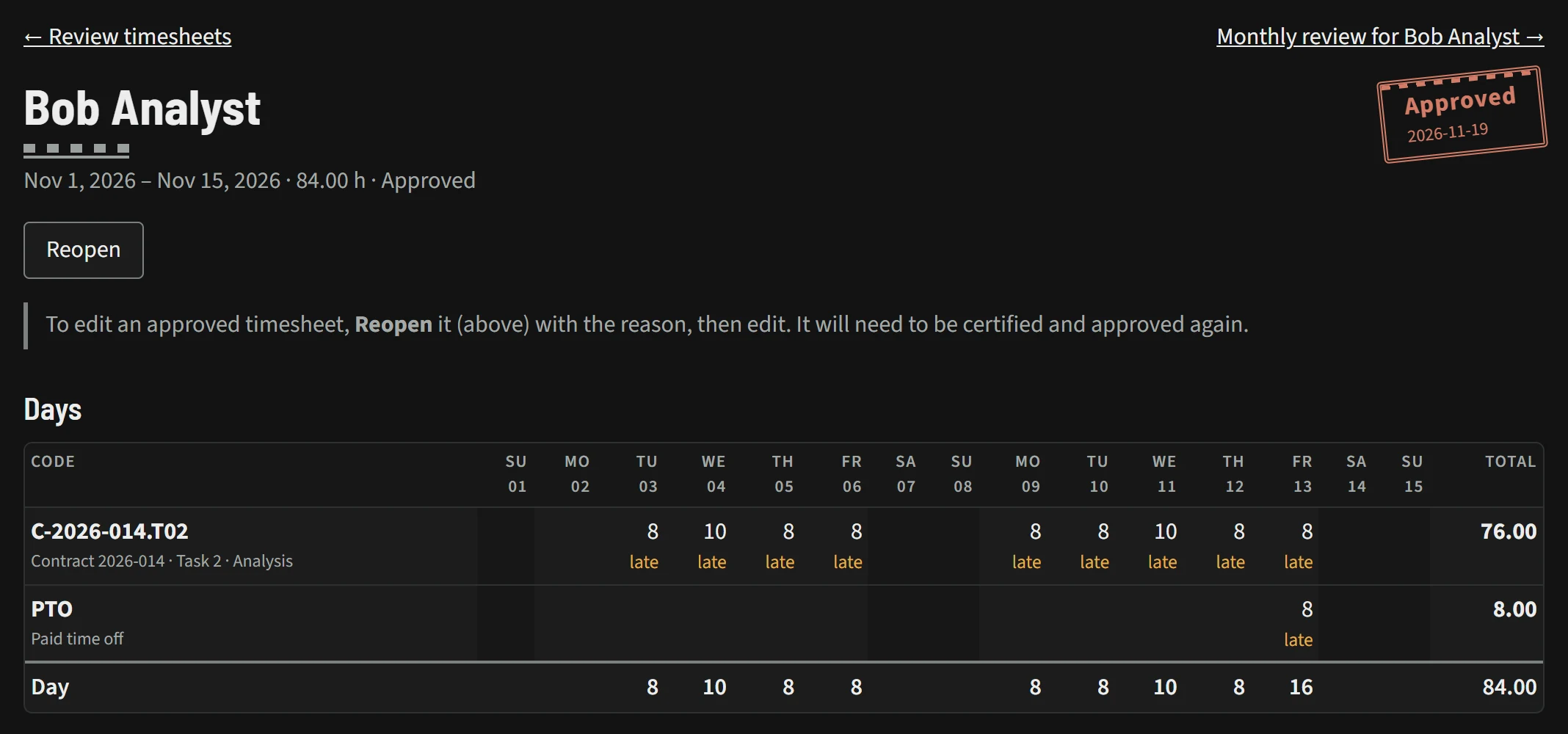
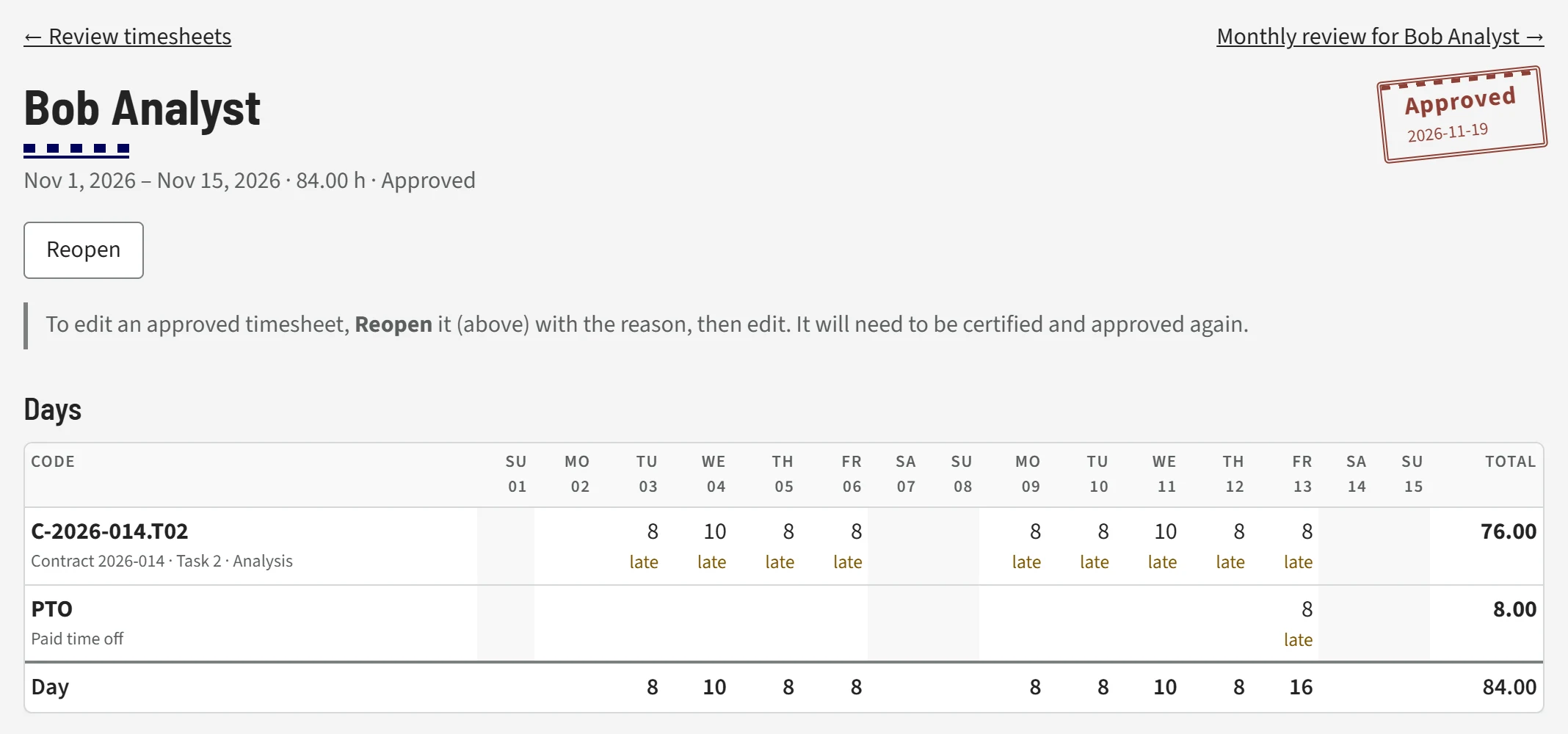
Open full size: Approved stays approved (opens in a new tab)Open full size: Approved stays approved (opens in a new tab)
Approved stays approved
An approved timesheet carries a dated stamp. To change it, someone has to reopen it first, and then it must be certified and approved again. The page says so in plain words.
- Hours by charge code for each day of the period, with day and period totals
- Every entry recorded after the grace period is marked late
- A link straight to the person's monthly review
-
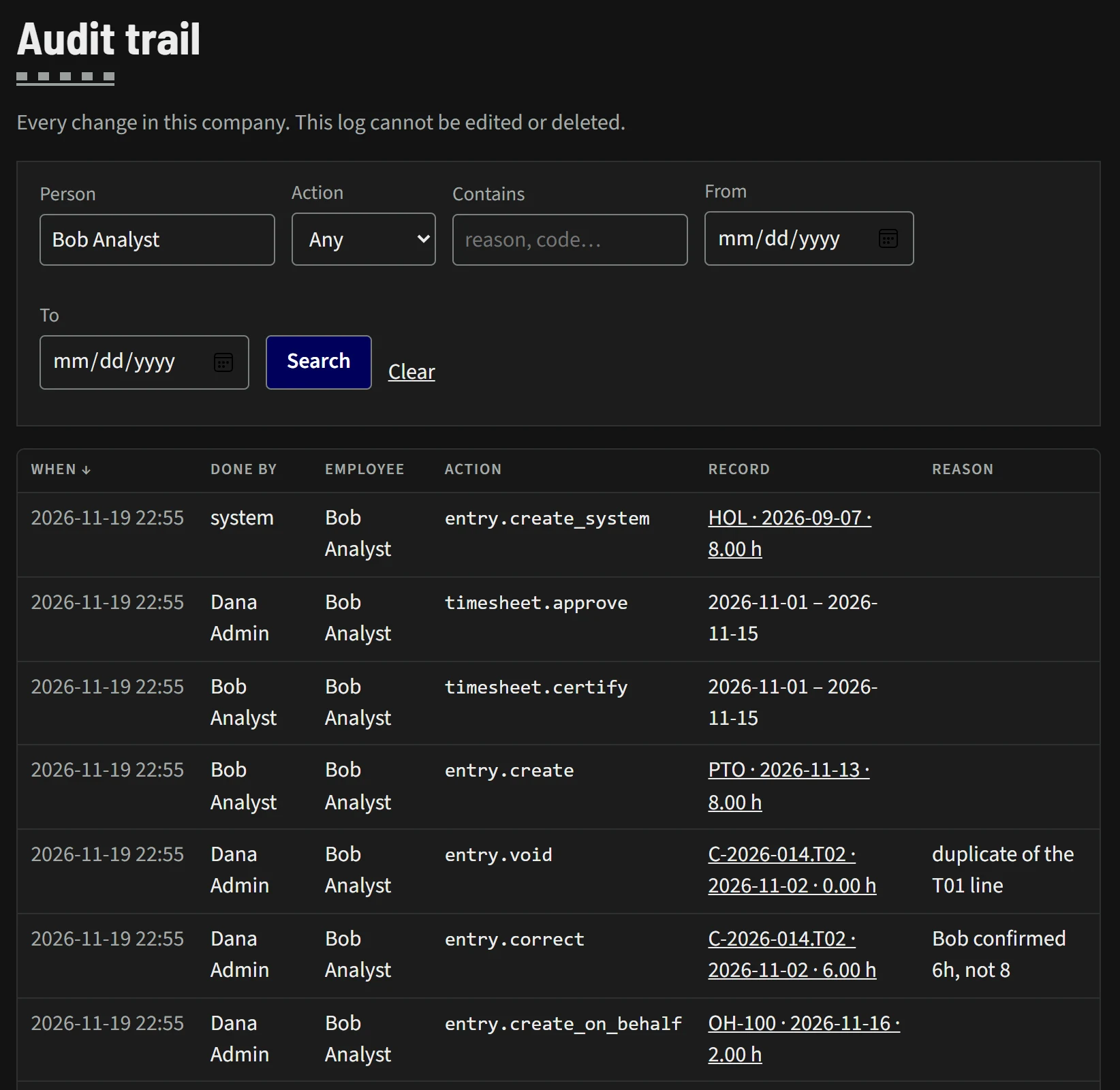
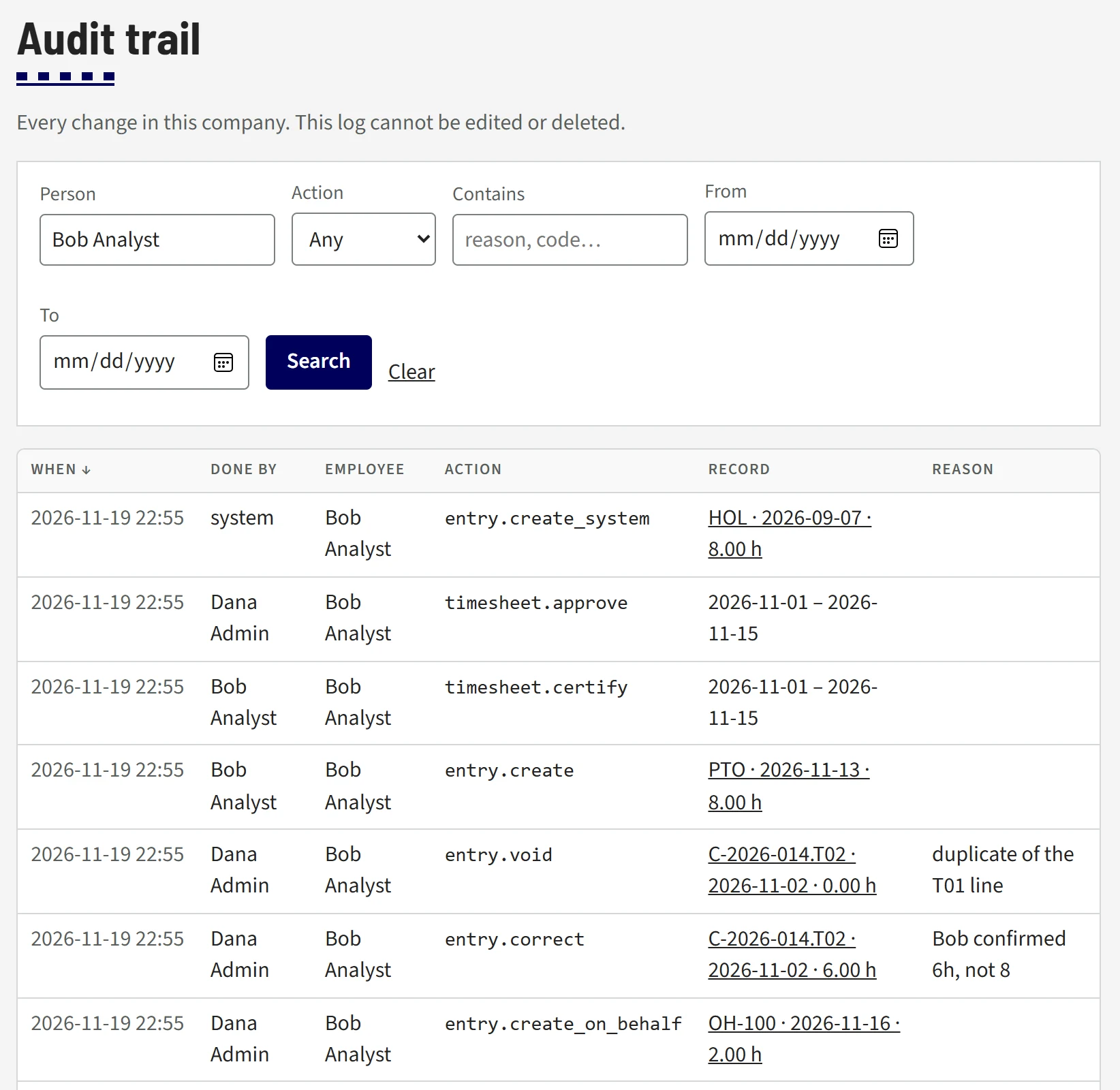
Open full size: Every change, kept (opens in a new tab)Open full size: Every change, kept (opens in a new tab)
Every change, kept
The audit trail lists every change in the company: who did it, whose record it touched, what changed, and why. The page states that the log cannot be edited or deleted.
- Search by person, action, words in the reason, and date range
- Corrections and voided entries carry the reason they were made
- Entries an admin makes on someone's behalf are labeled that way
- Certification and approval sit in the same log as the hours
-
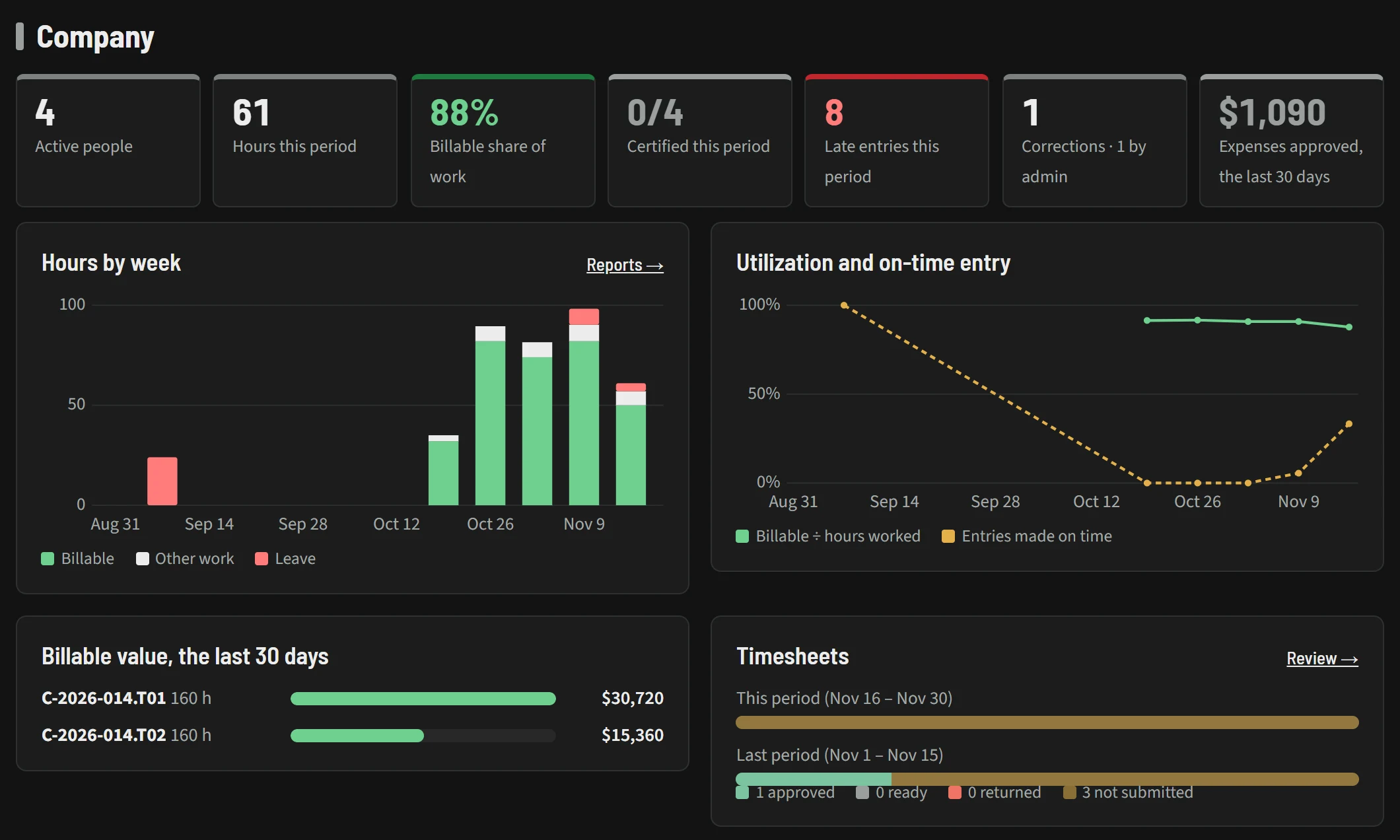
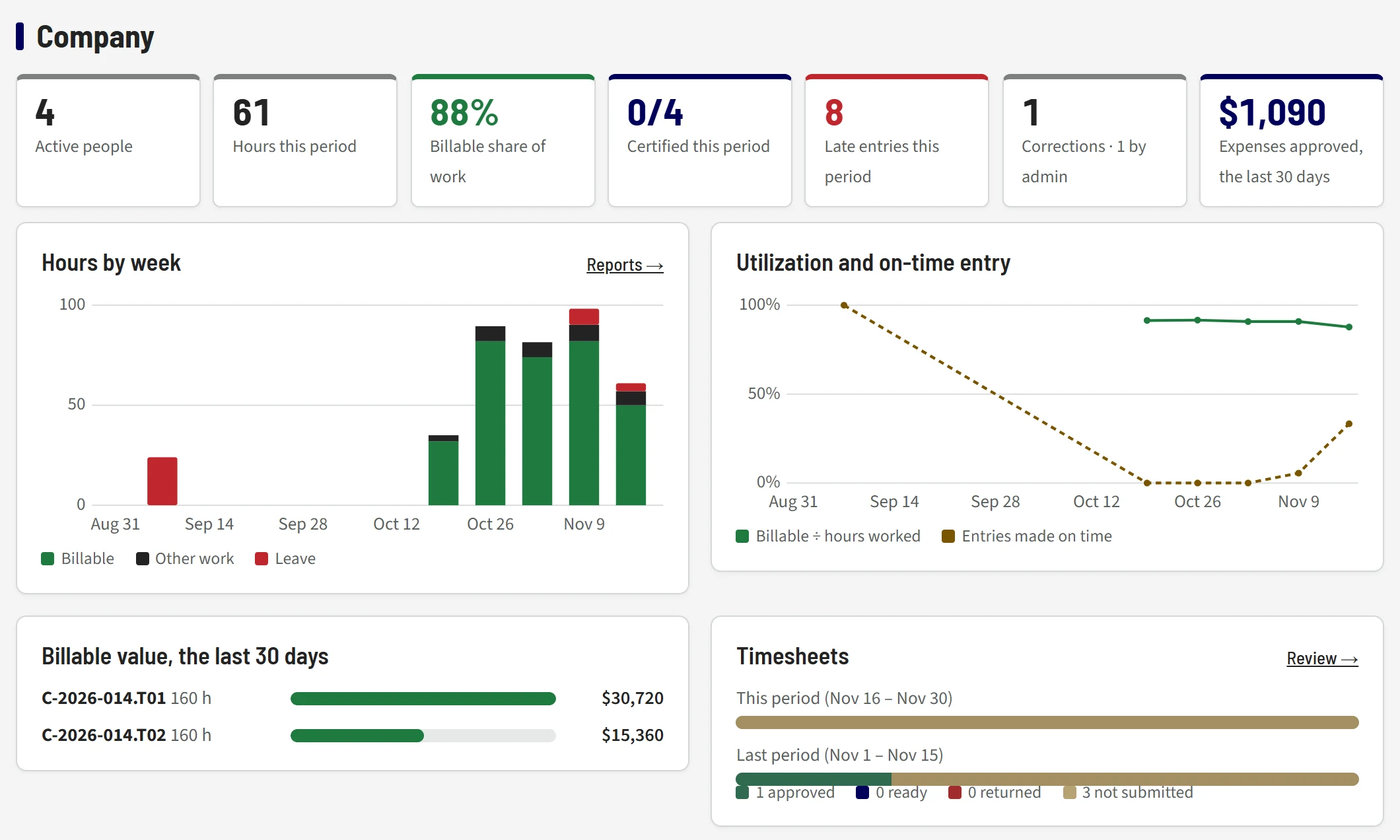
Open full size: Where the company stands, on the home page (opens in a new tab)Open full size: Where the company stands, on the home page (opens in a new tab)
Where the company stands, on the home page
Admins get a company section on Home: this period's numbers, then charts of hours by week, utilization and on-time entry, billable value by charge code, and timesheet status for this period and the last.
- Late entries and admin corrections counted alongside hours and billable share
- Hours by week split into billable, other work and leave
- Billable value by charge code for the last 30 days
-
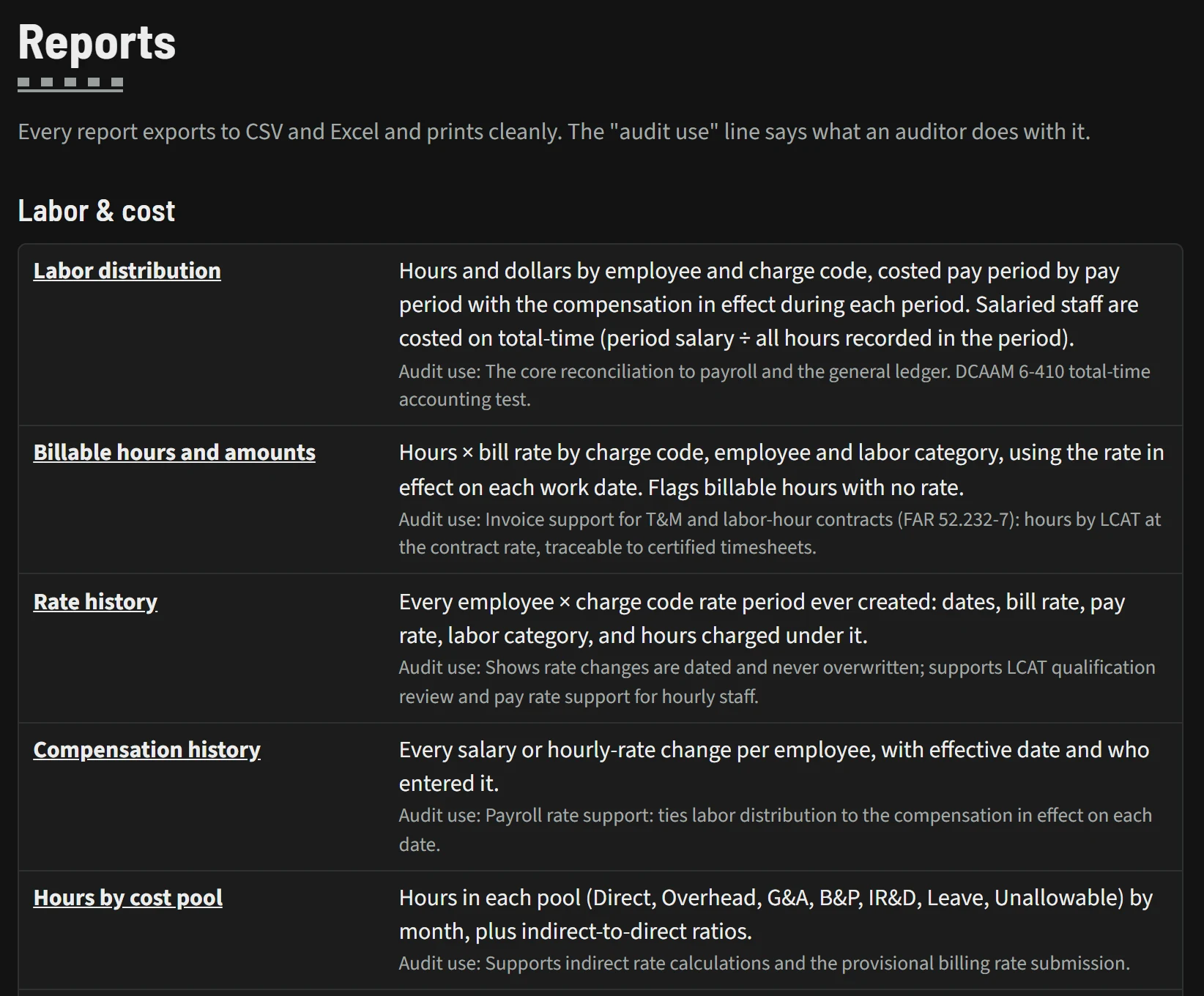
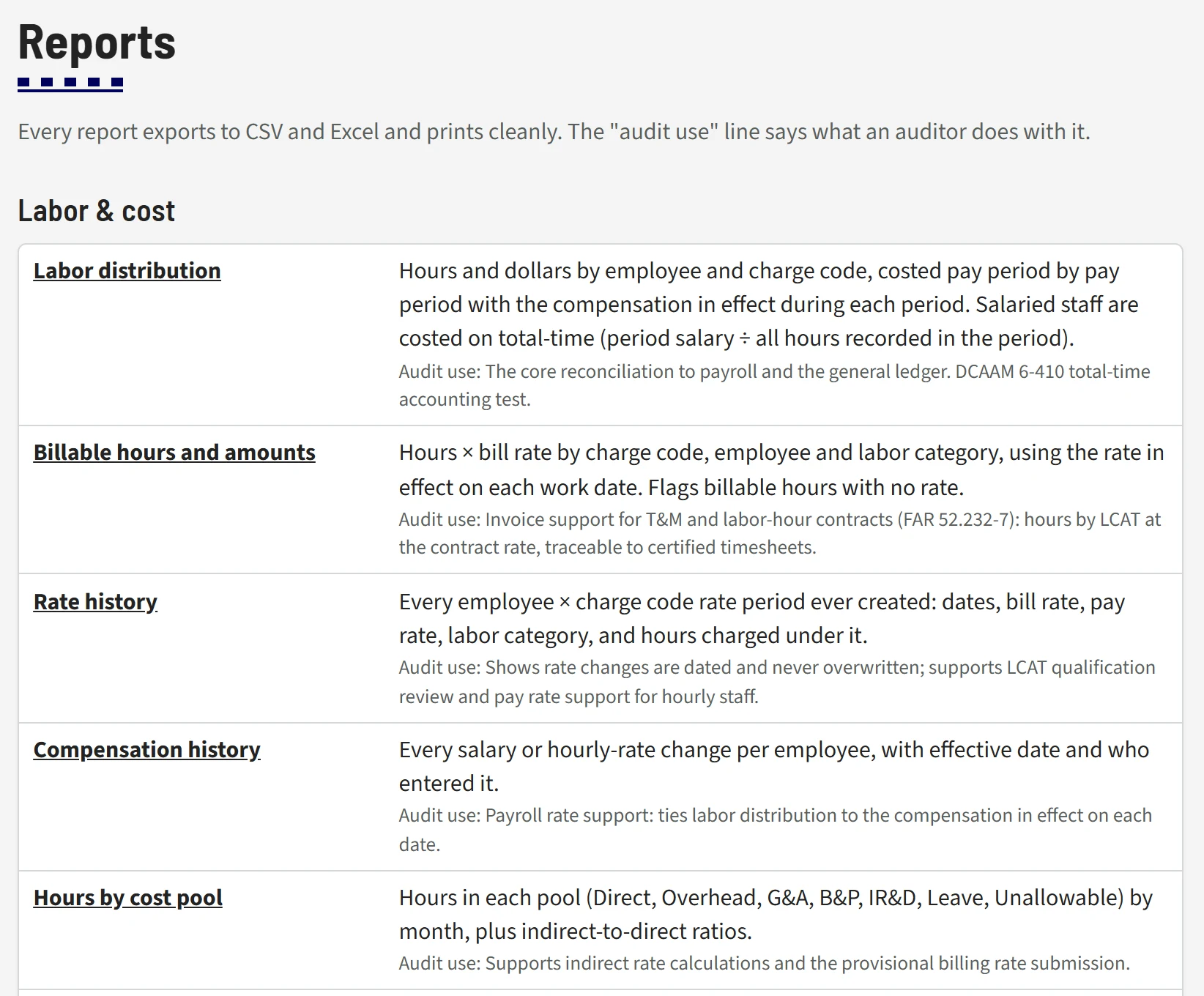
Open full size: Reports that say what an auditor does with them (opens in a new tab)Open full size: Reports that say what an auditor does with them (opens in a new tab)
Reports that say what an auditor does with them
Each report describes what it contains and carries an audit-use line explaining what an auditor uses it for. Every report exports to CSV and Excel and prints cleanly.
- Labor distribution, costed pay period by pay period
- Billable hours and amounts, rate history and compensation history
- Hours by cost pool, with indirect-to-direct ratios
Book a demo to see these screens with your own questions in mind.